Coffer reads your vendor quotes, puts every price on your bid and writes the POs.
Real product. Demo data.

The real product, one job from RFQ to PO.
1 / 17Deployment, before the first bid.
First, Coffer is customized for your company.
- Your RFQ form
- Your PO form and terms
- Connected to HeavyBid
- Your vendors
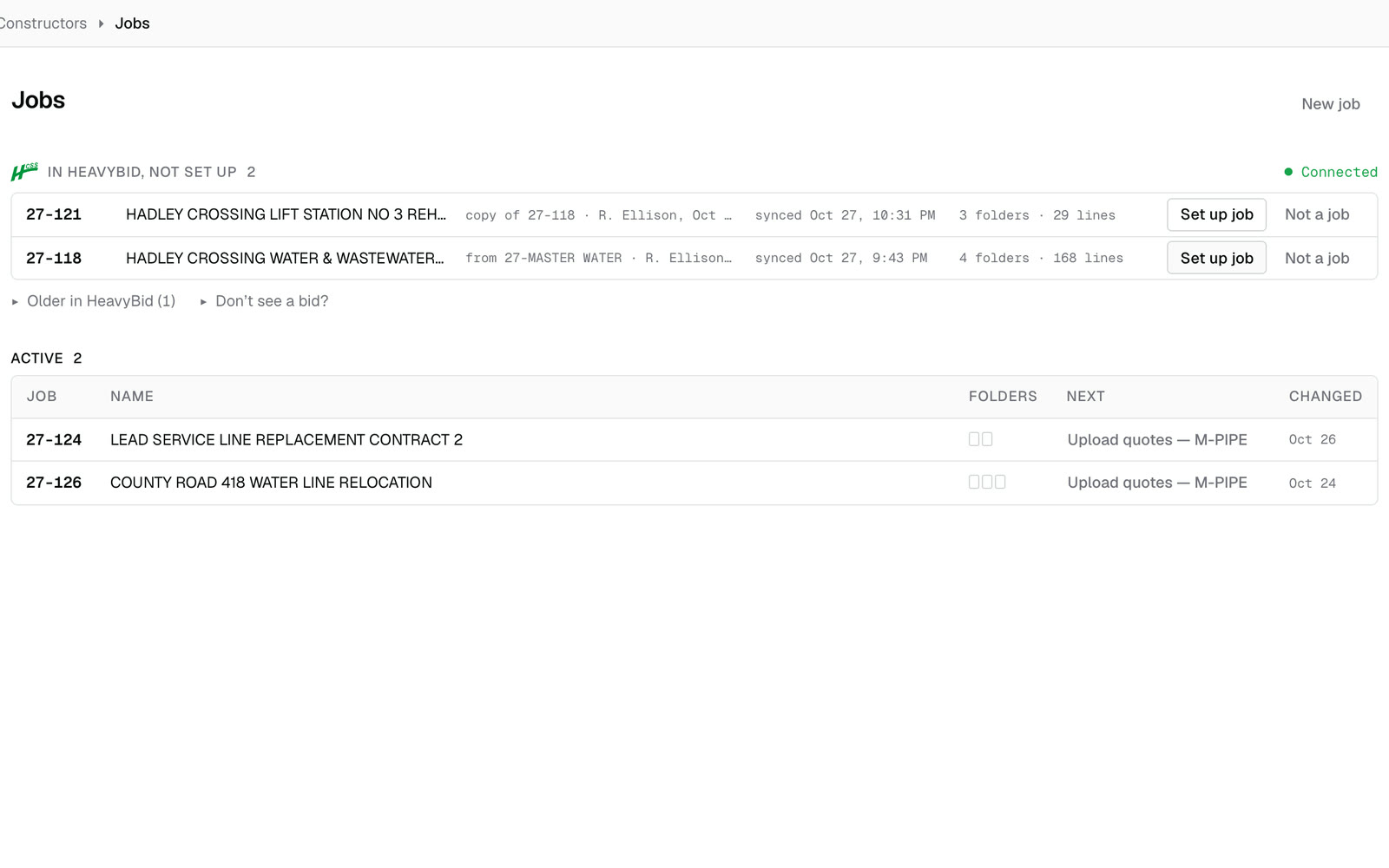
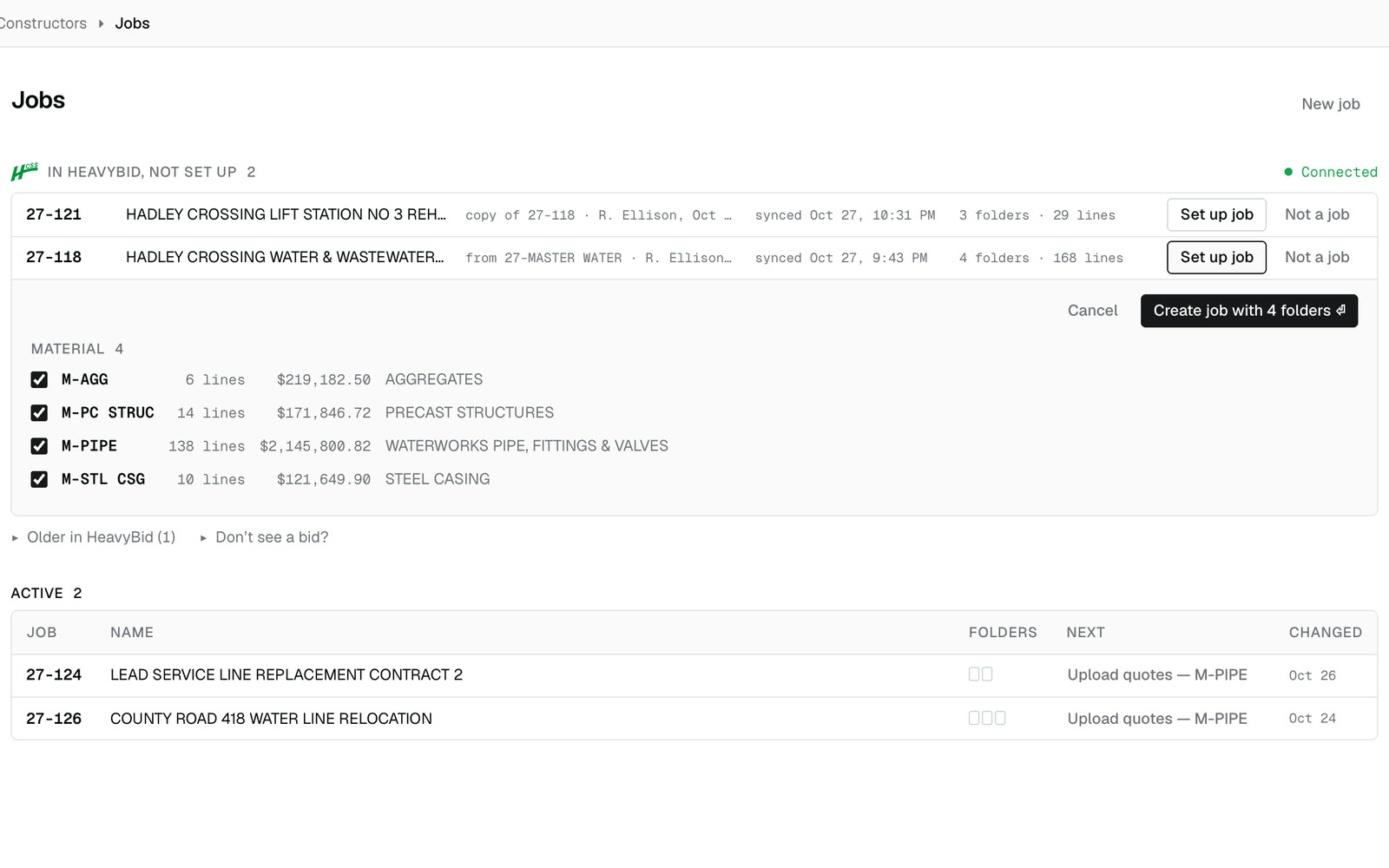
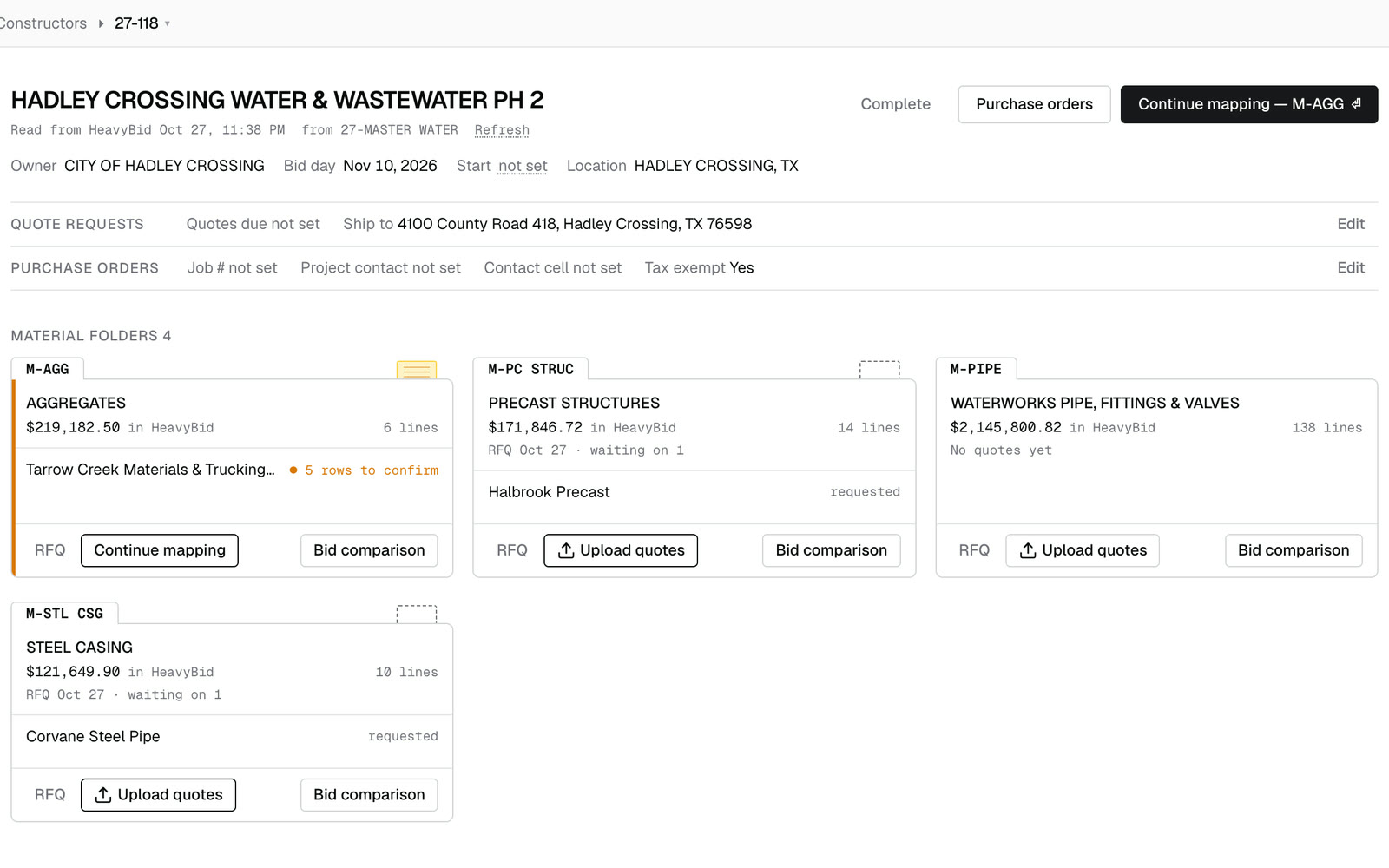
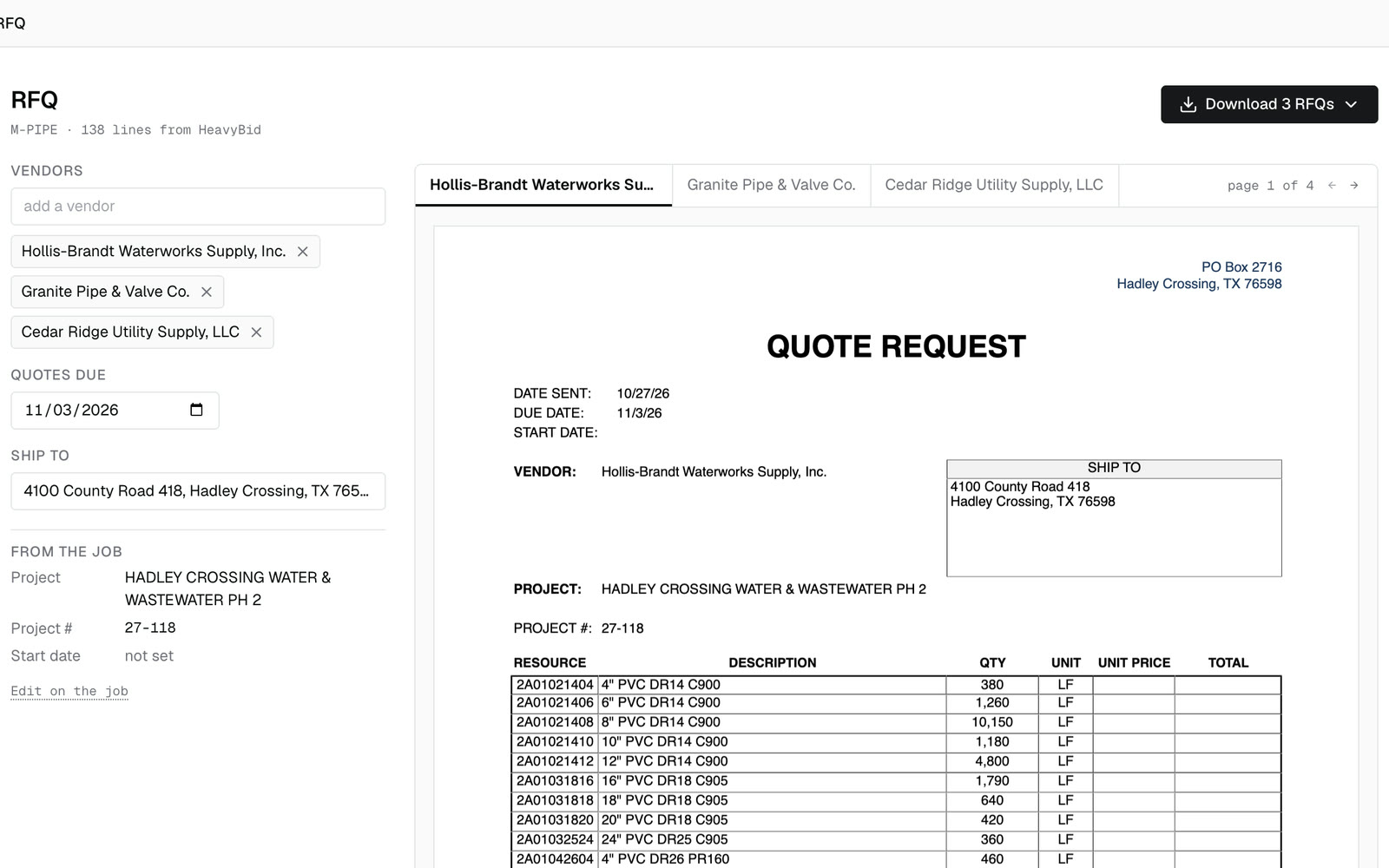
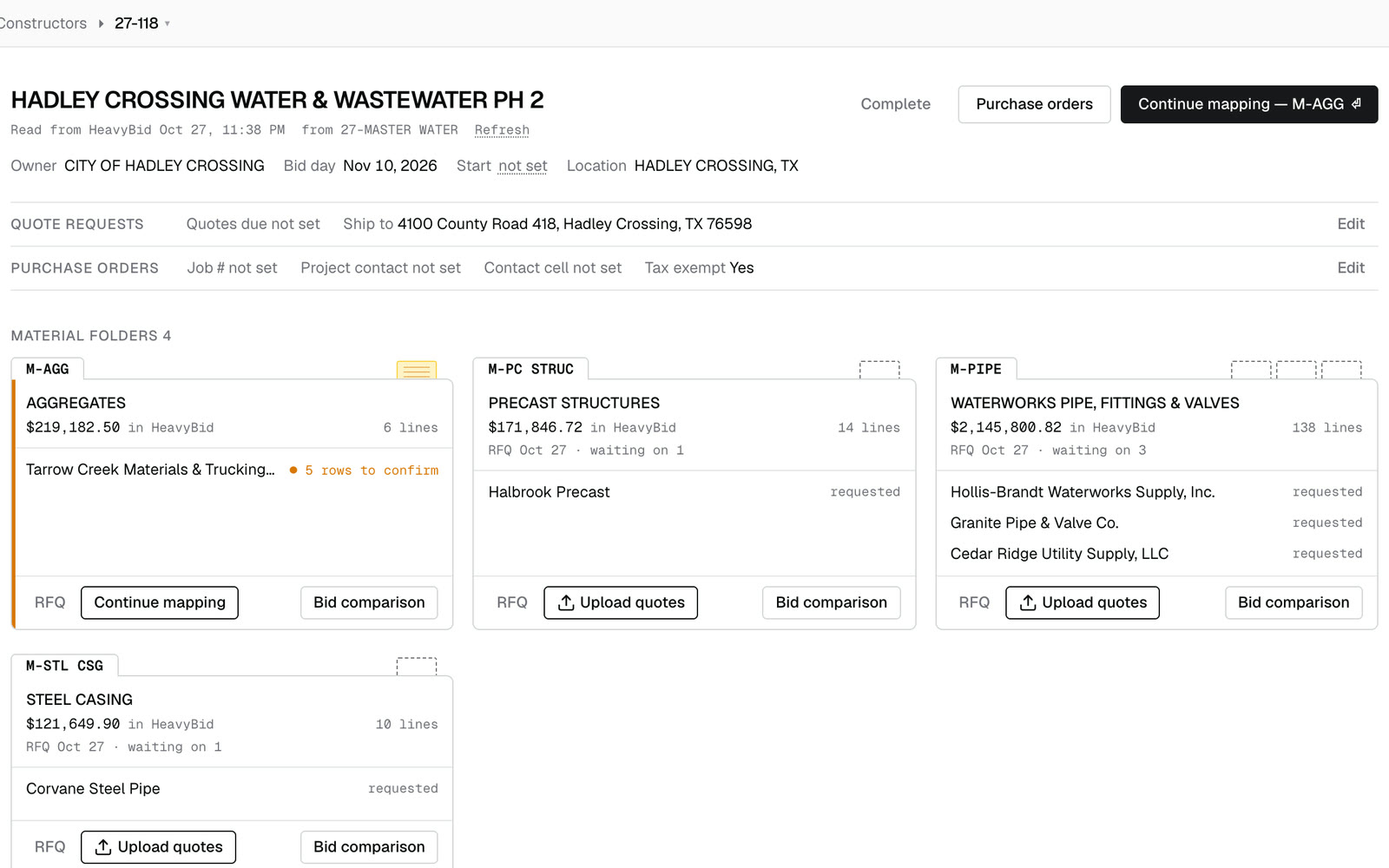
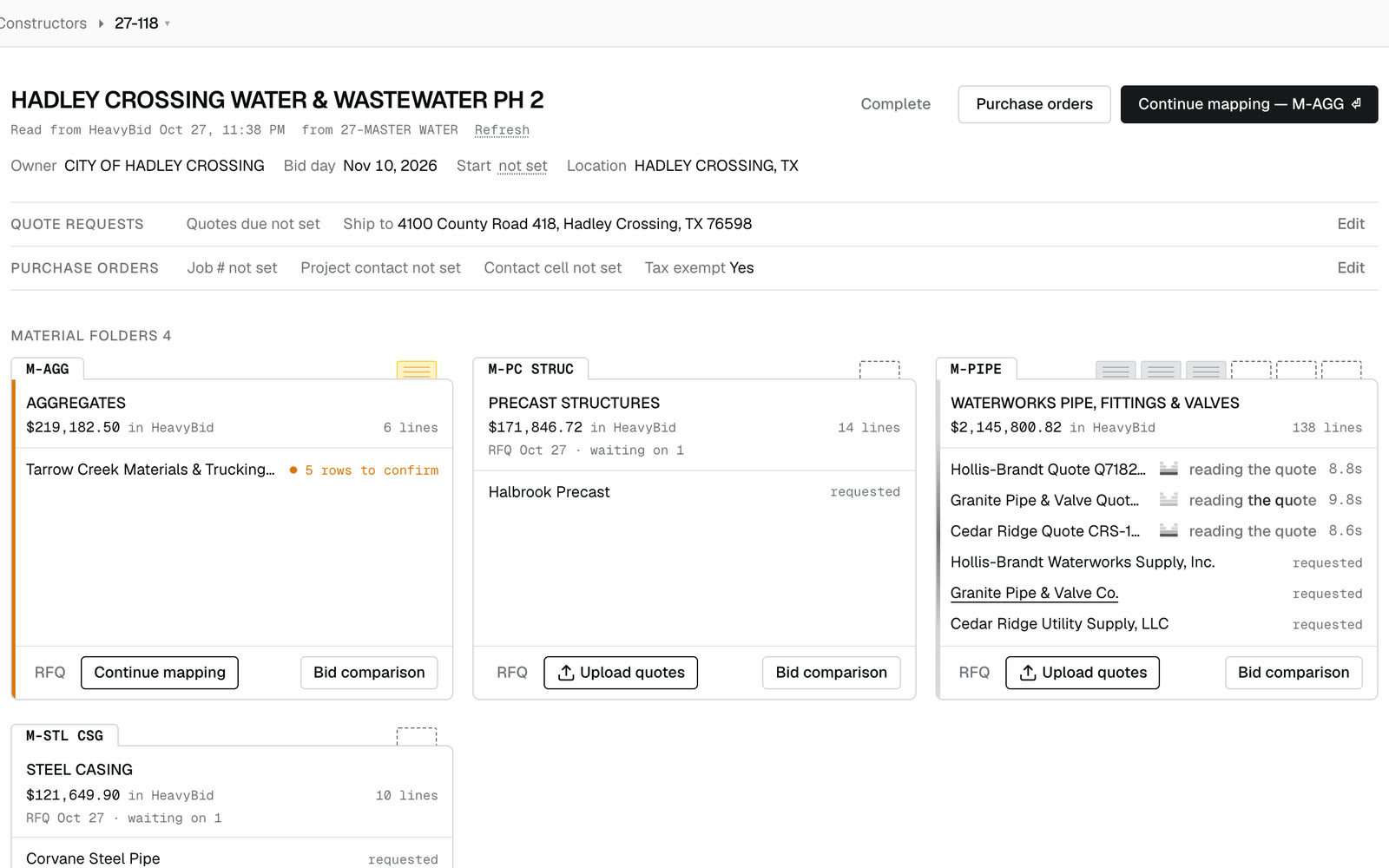
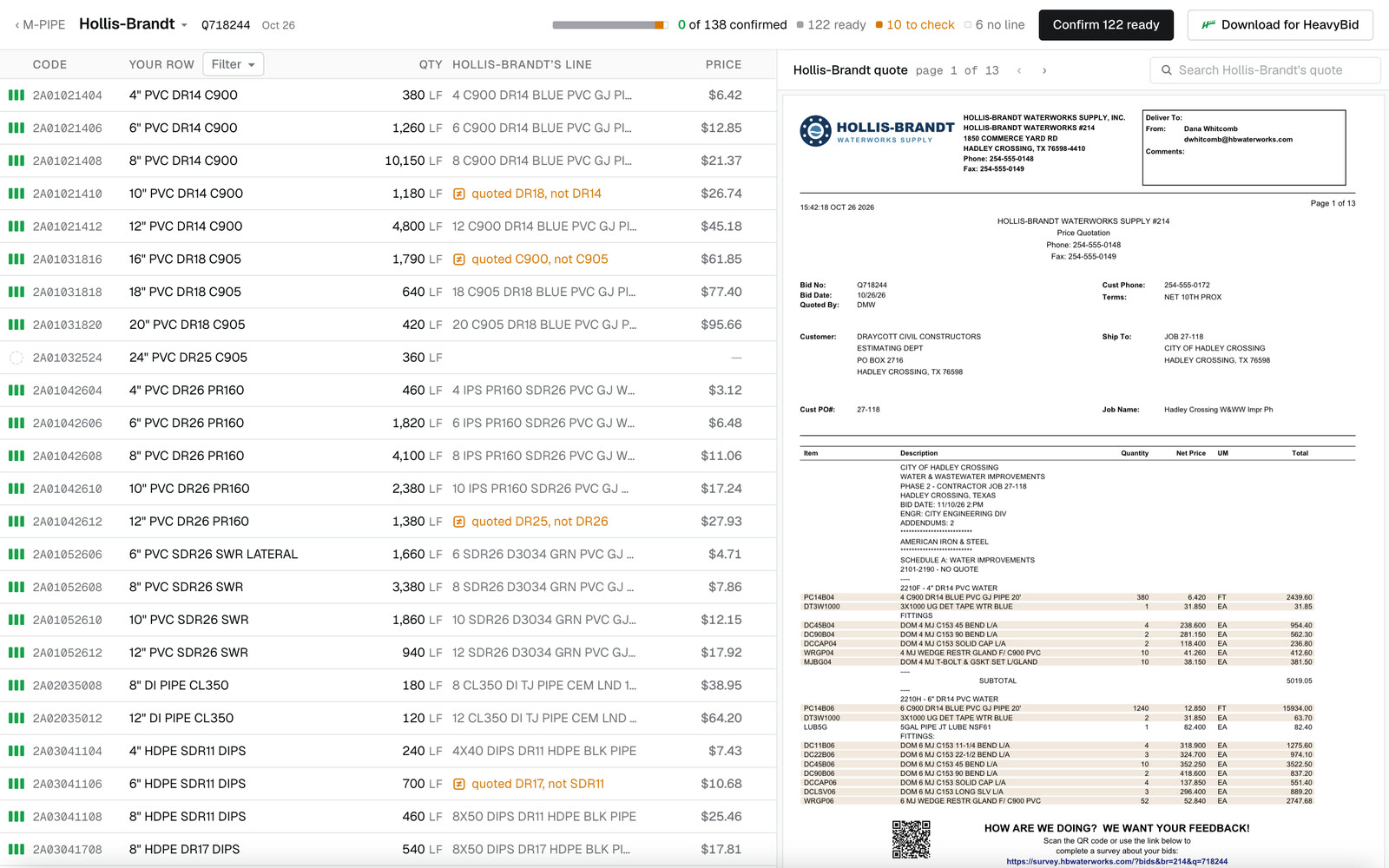
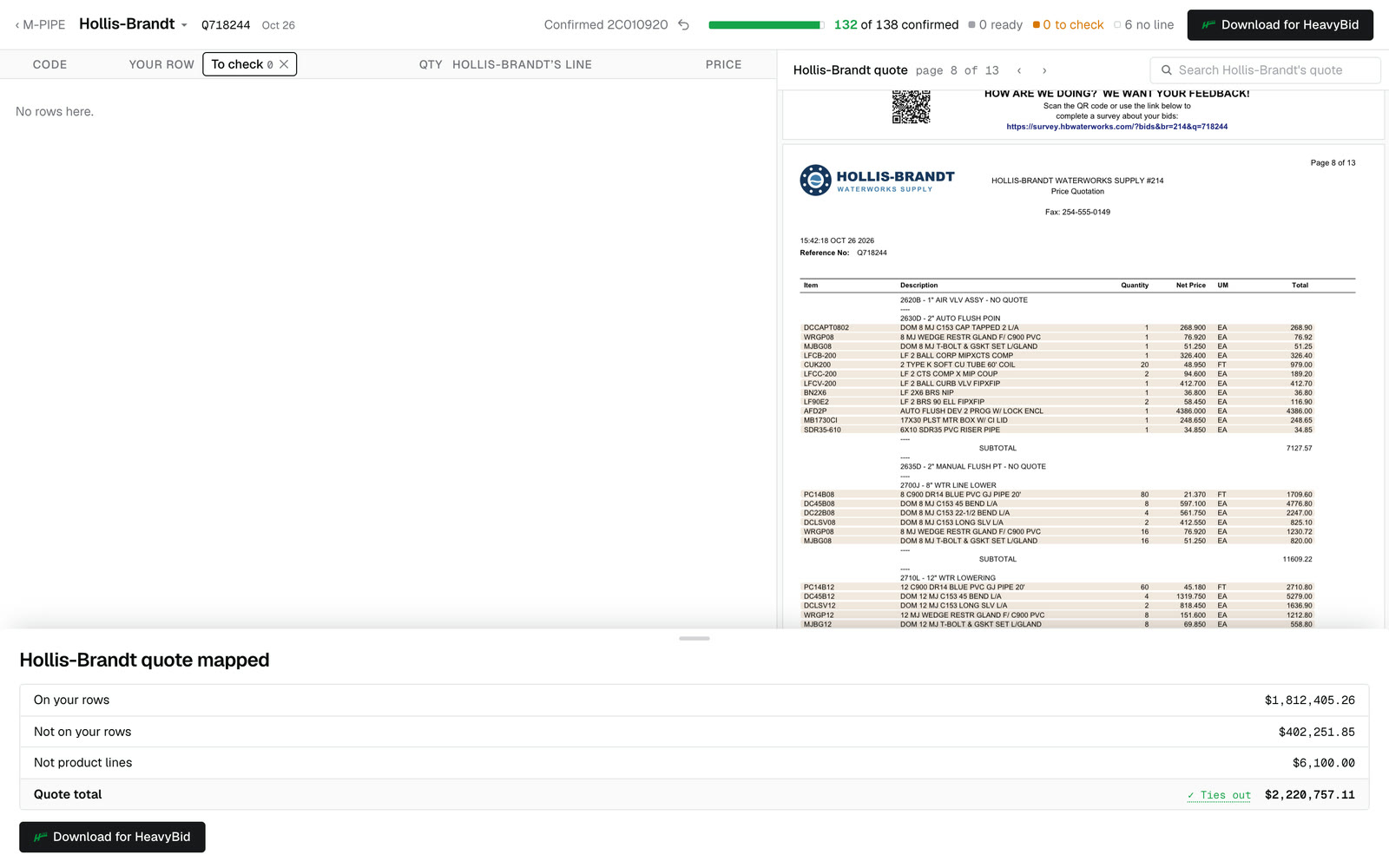
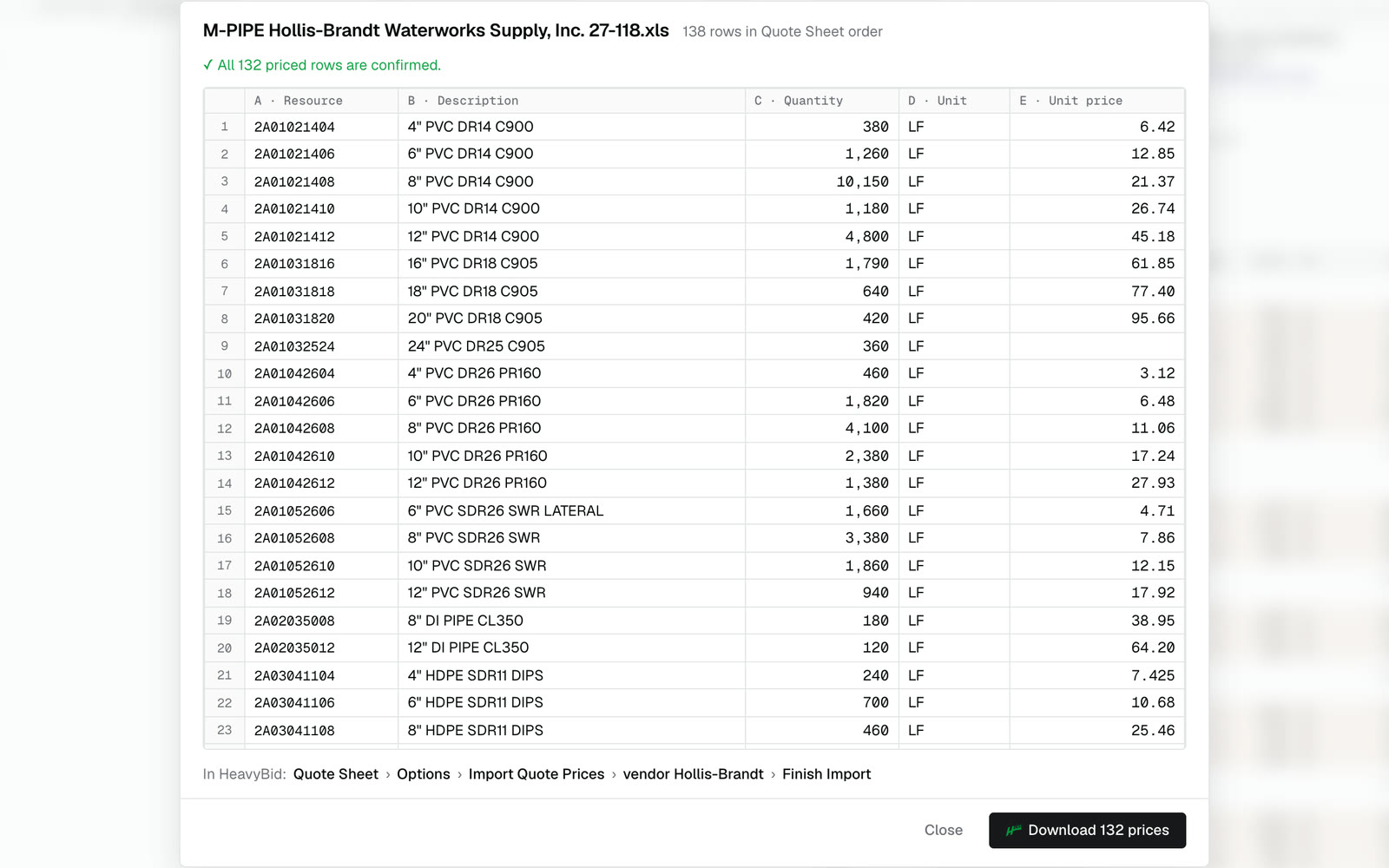
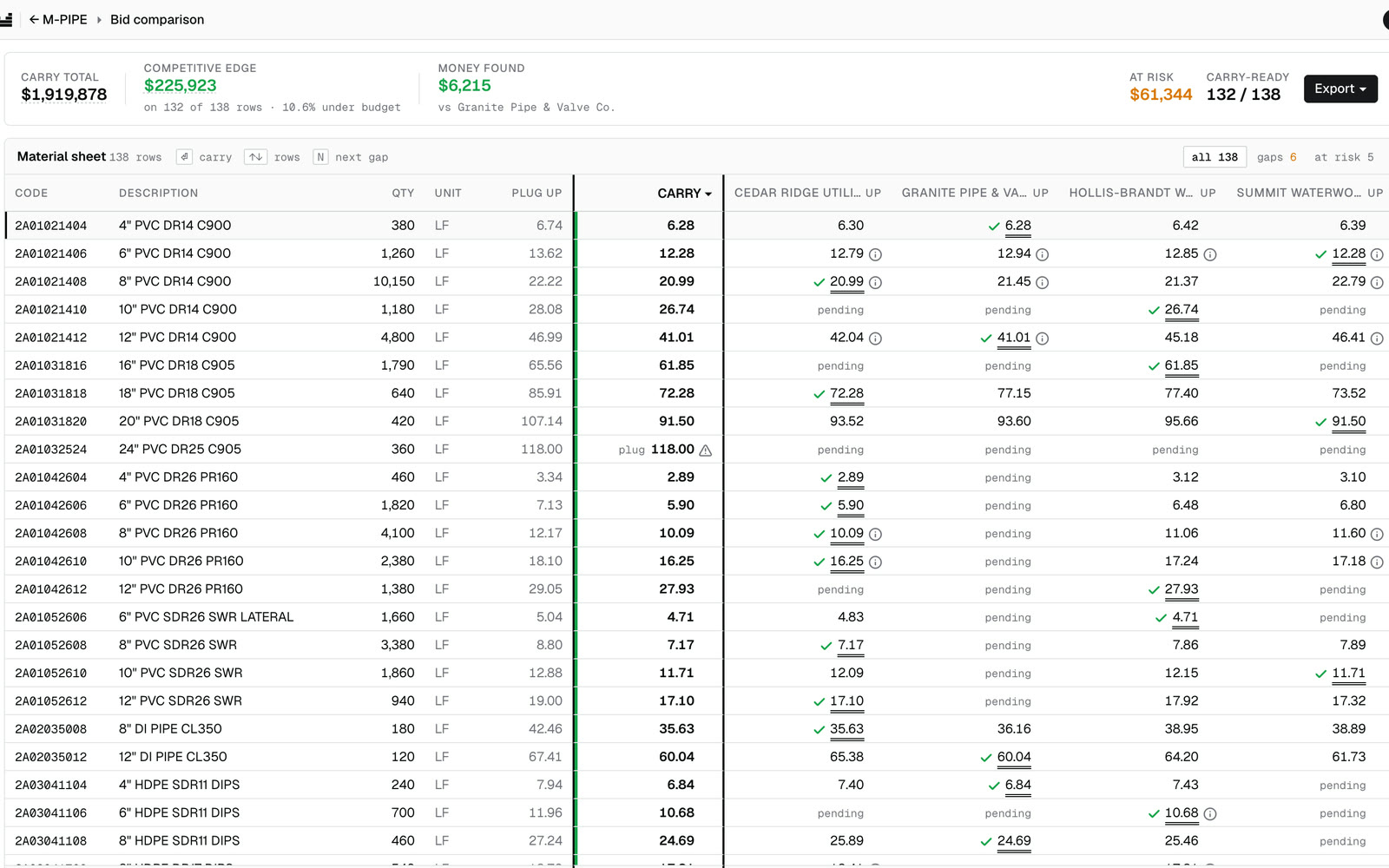
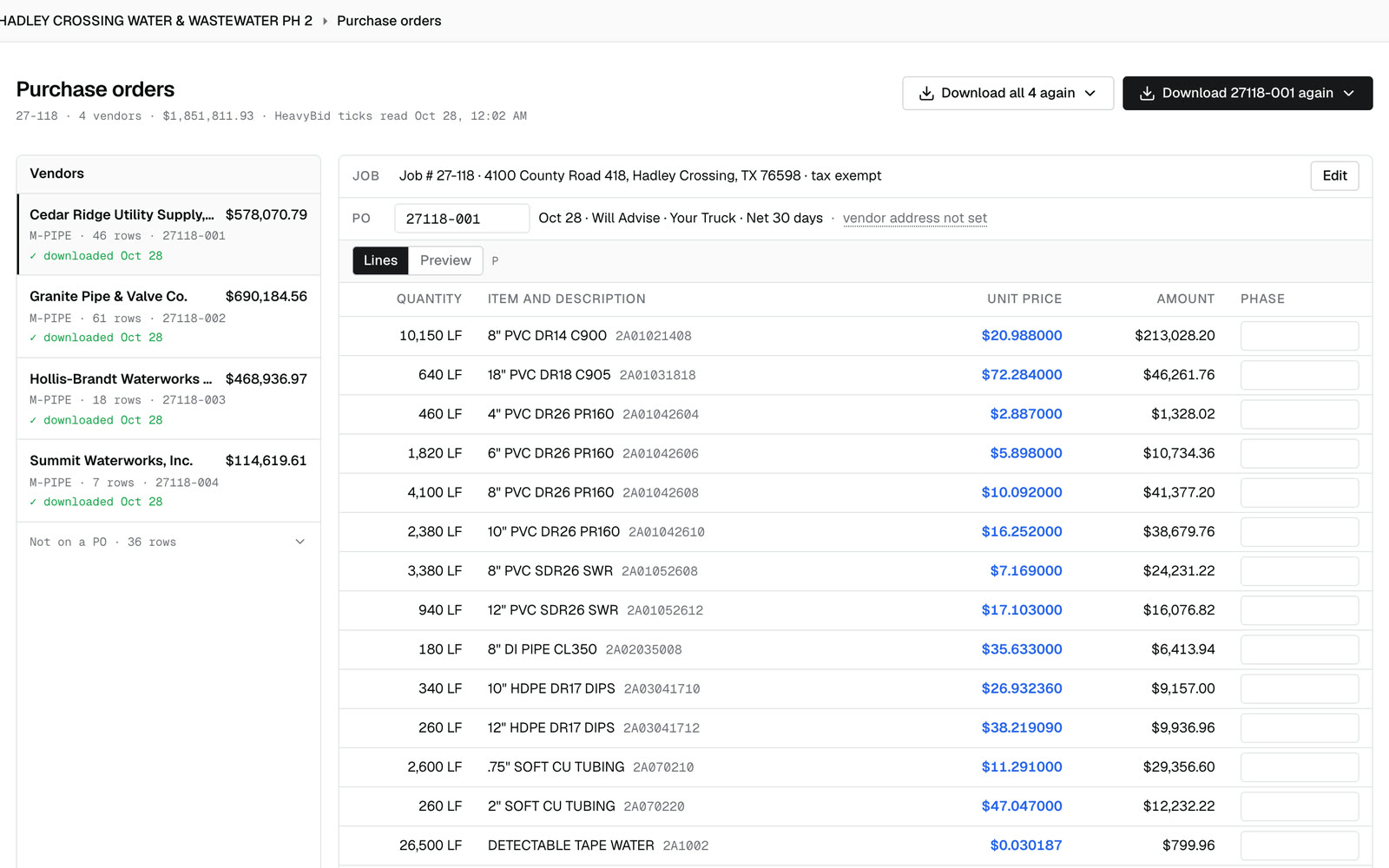
How Coffer works, step by step.
Animated. Sending RFQs and POs is part of a custom setup.
Messy lines caught
Works with HeavyBid.
Every price traces to its line on the quote.
From RFQ to purchase order, nothing retyped.
Half a day by hand. Minutes in Coffer, then your check.
By hand · One big pipe quote
Half a day to a full day
With Coffer · One 145-line pipe quote
2.5 minutes
With Coffer · One 406-line, 13-page quote
9 minutes
With Coffer · One live bid, 8 quotes
67 minutes
Sources
By hand: the customer's words, Oct 16. With Coffer: their first end-to-end run, Oct 23; a demo run on Coffer Dev, Oct 27 (reading and matching, before the estimator's check); and one live bid, Oct 26–27.